Designing Commercial CCTV Security Systems

One of the more common mistakes in designing a commercial CCTV security system is picking hardware before understanding the site.
Designing Commercial CCTV Security Systems

Table of Contents

Quick Answer:

Designing a commercial CCTV security system starts with a site assessment, rather than a camera catalog. A competent security provider maps entrances, blind spots, and high-value areas first, then matches camera type and resolution to each zone, accounts for lighting and network capacity, and plans for how footage will be monitored. Skipping any one of those steps risks ending up with either blind spots or a system that’s more expensive than needed.

Key Takeaways:

  • Buying cameras is often treated as the first step in securing a property, but in reality, it should be closer to the last.
  • Every site has a different risk profile. A fenced construction lot and an open retail parking lot call for different camera placement and different rules for what counts as suspicious.
  • More cameras doesn’t necessarily mean better coverage. A handful of cameras aimed at real choke points, entrances, loading docks, cash handling areas, etc., beats a dozen cameras with overlapping, redundant views.
  • Resolution and lens choice can matter more at distance than raw camera count. A wide shot of a parking lot will be much less helpful for identification without the zoom or resolution to read a license plate or face.
  • Storage and bandwidth should be properly sized before installation day so storage doesn’t fill up much faster than anticipated. 

So how do you go about designing a commercial CCTV security system? Here’s what a solid process looks like, from the first site walk to the finished system.

How to Design a Commercial CCTV Security System

Start With a Site Assessment

One of the more common mistakes in designing a commercial CCTV security system is picking hardware before understanding the site. A proper assessment maps every entrance and exit, identifies where the property’s blind spots naturally fall, flags high-value areas that need dedicated coverage, and takes stock of what’s already there, e.g., existing wiring, network capacity, lighting, and power.

Pro-Vigil Tip: Walk the property at the time of day an incident would most likely happen. Your loading dock might look perfectly covered and protected at 2 p.m., but what about at midnight? You may notice lighting gaps and other issues that wouldn’t otherwise surface. 

Map Camera Placement and Coverage

Once the assessment is done, camera placement should be determined based on risk – that is, vulnerability vs. value. 

Here are a few areas that deserve near-universal priority:

  • Entrances and exits, since nearly every incident starts or ends at one.
  • Choke points, like hallways, gates, single-lane driveways, or anywhere one camera could capture traffic that would otherwise need several.
  • High-value areas, like cash handling, inventory rooms, server closets, or loading docks.
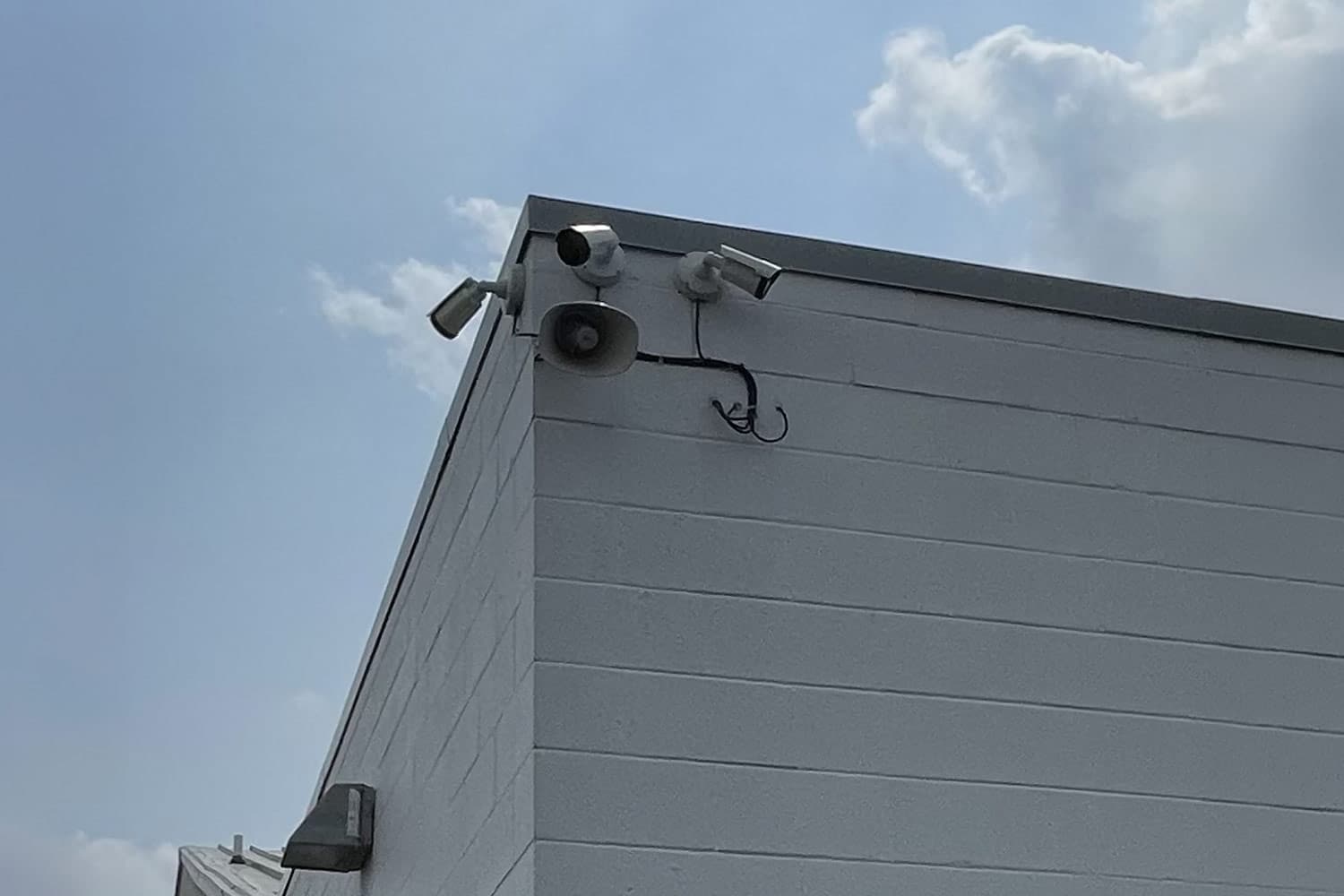
  • Perimeter edges, especially anywhere a fence line, tree line, or parking lot border gives easy, unseen access.

Pro-Vigil Tip: Looking for advice on securing an industrial site? Check out our industrial site camera placement guide!

Match Camera Type and Resolution to Each Zone

Not every zone needs the same camera. A wide-angle fixed camera is fine for general parking lot coverage, but it won’t read a license plate at 80 feet. That takes either a higher-resolution sensor or a dedicated zoom lens aimed at the lane vehicles use. Entrances benefit from cameras positioned for face-level detail rather than a top-down angle that only captures the top of someone’s head. Large, open areas that need active tracking are usually better served by a PTZ (pan-tilt-zoom) camera than several fixed ones.

Include Lighting From the Beginning

A camera is only as good as what it can see, and lighting decisions made after cameras are already mounted can sometimes create more problems than they solve. Getting placement and fixture choice right from the start avoids the common failure mode of a light aimed straight into a lens. So, make sure you plan lighting and camera placement together, not in sequence.

Plan Storage and Network Bandwidth Before Installation 

Storage requirements scale with camera count, resolution, and how many days of footage a business needs to keep, and they’re straightforward to estimate with the right formula before a single camera goes up. The design-stage takeaway is simpler: Make sure you size storage and network bandwidth for the system you’re installing, not the smaller one you initially started budgeting for.

Should You Use Fixed vs. Mobile CCTV Systems? 
Should You Use Fixed vs. Mobile CCTV Systems 

Fixed Video Surveillance

Fixed systems make sense whenever a site already has power, wiring, or network access, e.g., finished retail, offices, restaurant parking lots, subdivisions, active industrial plants. The design considerations here are mostly about camera placement, integrations with existing infrastructure, etc.

Mobile Surveillance Units 

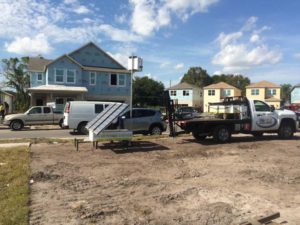
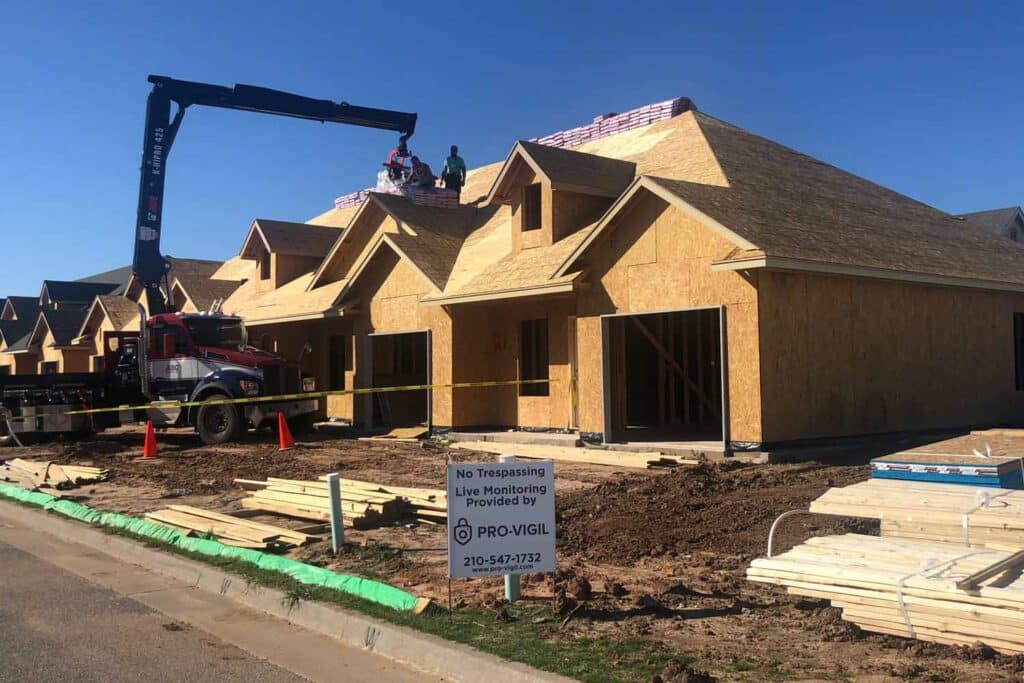
Sites without any hard power or wiring, like an active construction project or temporary event site, need a different design. Solar-powered, cellular-connected mobile units solve the infrastructure problem directly, and they can move as the site’s risk area shifts, which a fixed camera can’t do.

A Practical Commercial CCTV System Design Checklist

  1. Walk the site and map blind spots before choosing any hardware. Make sure that you’re walking your site after hours, to get a sense of what it’s like when actually vulnerable.
  2. Prioritize entrances, choke points, and high-value areas over blanket coverage. If your budget is tight, cut redundant overlapping views before cutting priority zones.
  3. Match camera type and resolution to what each zone needs to capture. If a zone needs identification-level detail, don’t rely on a wide general-coverage camera to deliver it.
  4. Size storage and bandwidth for the full system, including future cameras. If you’re not sure how much you’ll need, run the numbers – better yet, talk to a security provider for some help.
  5. Decide fixed vs. mobile based on existing infrastructure. If a site lacks reliable power or wiring, a mobile unit will save you from a wiring project you don’t need.
  6. Account for routine site activity that isn’t a security threat. A camera mounted where authorized vehicles like delivery trucks, mowers, or forklifts regularly drive by is a camera that can’t just be motion-activated, or else you’ll fill up your storage quickly with anodyne activity.

Pro-Vigil Designs Custom Commercial CCTV Systems for Every Need
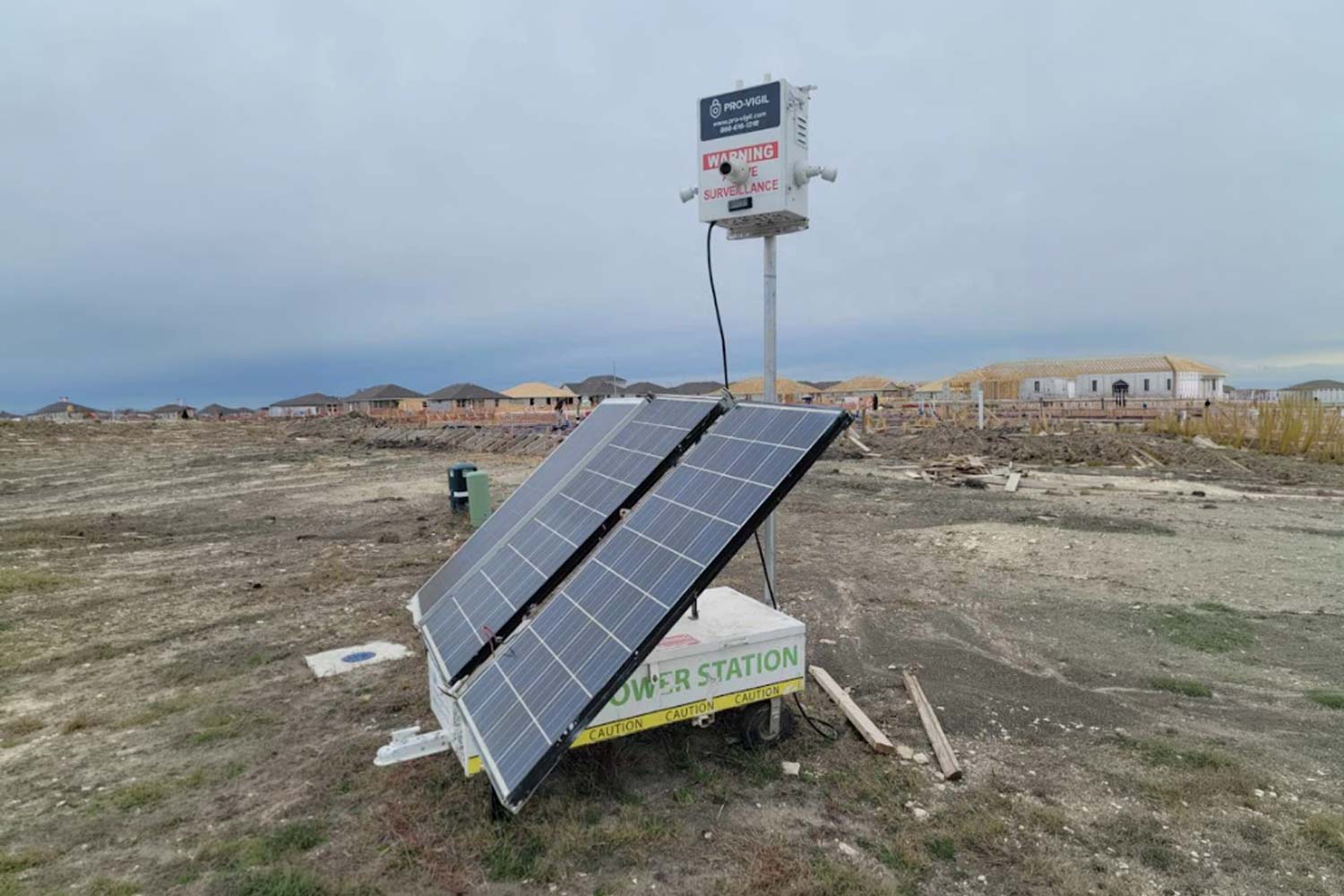
Pro-Vigil-Designs-Custom-Commercial-CCTV-Systems-for-Every-Need

We think this is a pretty handy guide for how to design a commercial CCTV system, but following a guide can only get you so far doing things DIY. (Even a good guide, like this one). And that’s where the experts can help.

Pro-Vigil’s security experts conduct a site assessment, then design a system around your actual layout, risk areas, and budget, rather than a one-size-fits-all package. From there, our AI models and monitoring response get tuned to what a real threat looks like on your real property. Contact Pro-Vigil today to get a system built around your actual business.

Commercial CCTV Systems: FAQs

There's no fixed number; it ultimately depends on things like number of entrances, blind spots, and high-value areas identified during a site assessment, rather than just a pure square footage number. A well-placed handful of cameras at real choke points often outperforms a much larger count spread carelessly across a property.

A conversation goes a lot faster with a few basics in hand. Here are some of the most important facts to have handy :

  • A rough count of entrances, exits, and high-value areas
  • Whether the site already has power, wiring, and network access
  • Any past incidents or specific concerns driving the project
  • A general budget range
  • Any industry compliance requirements that apply to your business

Short answer: no. Long answer: Redundant, overlapping coverage costs more in hardware, storage, and monitoring attention without closing any real gap. Money is usually better spent on getting the right resolution and placement at priority zones than on adding more cameras to already-covered areas.

Yes, and it often should be. Sites change with things like new construction, shifting inventory, or a change in foot traffic, so a design that made sense at installation can develop blind spots over time. Reviewing coverage at least annually, or after any major site change, catches any potential drift.

Not always, but it helps. Pairing video with access control lets a business correlate who badged in with what a camera recorded, which is useful for both security investigations and simply confirming a system is working as intended.

Picture of Jeremy White

Jeremy White

Jeremy White is Chief Commercial Officer, ECAM MARKET at ECAM. He founded Pro-Vigil, an AI-powered remote video monitoring provider in 2006, helping pioneer the remote video monitoring industry. In 2026, Pro-Vigil joined forces with ECAM, North America's undisputed #1 in remote video monitoring. With deep expertise in AI-powered surveillance, video analytics, and proactive crime deterrence—he spent the past two decades pioneering the remote video monitoring and security-as-a-service industries.

Connect with Jeremy on LinkedIn.
Share This Post
Facebook
Twitter
LinkedIn
Email

Security | Surveillance | Management | Compliance | Inspection
© 2020 Pro-Vigil. All Rights Reserved.