Quick Summary
The most common IP camera problems are cameras going offline, poor image quality, latency issues, environmental wear, and storage gaps. Most go undetected until after an incident, which is why continuous camera health monitoring is essential for any serious security setup.
IP cameras are genuinely impressive pieces of technology. They can stream high-definition footage around the clock, connect to cloud storage, integrate with advanced, intelligent monitoring systems, and can be accessed from a smart phone anywhere in the world. For businesses that are truly serious about security, they’ve become as fundamental as locks on the doors.
However, at the end of the day, they’re also computers. That means that, like any networked device, they fail in ways that aren’t always obvious until something goes wrong. A camera that appears operational can be delivering degraded footage, dropping frames, or recording a wall instead of the entryway it was meant to be pointed at because nobody noticed it had shifted. Potentially worse is the fact that in many setups, nobody finds out that something’s gone wrong until after an incident when they need the footage – only to find out that it isn’t there.
Understanding the most common failure points of IP cameras doesn’t require an IT background. What it does require is knowing what to look for – and what to do when you find it.
IP Camera Problem #1: The Camera Is Offline
This is the big one. A camera with blurry footage or slightly pointed at the wrong angle might record something helpful, but a camera that’s offline is simply useless. It’s a blind spot, and blind spots are exactly what criminals look for.
IP cameras go offline for several reasons, and they’re not all equally serious. The most common culprits are network issues, power interruptions, and IP address conflicts.
Network issues are usually the first thing to check. If the camera can’t reach the router or the network switch it’s connected to, it drops off entirely. Rebooting the router and the camera is the obvious starting point, and often all that’s needed.
If the problem persists, the issue may be with the network cable itself; a damaged or improperly seated ethernet cable is a surprisingly frequent offender.
Power interruptions are the second most common cause of an offline camera. Most modern IP cameras run on Power over Ethernet (PoE) which means they draw power directly through the network cable rather than a separate power supply. This is convenient, but it also means a failing PoE switch or injector can take a camera offline with no obvious outward sign that anything is wrong. If a camera goes dark and the network connection looks fine, consider checking the PoE source before anything else.
IP address conflicts are less common but genuinely frustrating when they occur. Every device on a network needs a unique IP address; if two devices end up sharing one, one or both will stop communicating reliably. This can happen when devices are added without proper configuration, or when a router reassigns addresses after a reboot, for example. Assigning cameras static IP addresses, rather than relying on automatic assignment, is the cleanest fix.
IP Camera Problem #2: Poor Image Quality
A camera that’s online but delivering bad footage isn’t as useless as one that’s offline, but it’s not that much better. Blurry, washed-out, or pixelated video might look like a hardware problem, but the cause is often something simpler.
A dirty lens is the most embarrassingly common culprit, especially on outdoor cameras. Dust, condensation, and spiderwebs – spiders, it seems, have a particular affinity for camera housings – can degrade image quality significantly. A regular wipe-down with a microfiber cloth costs nothing and makes a noticeable difference.
Incorrect resolution or compression settings are worth checking if footage looks consistently degraded. Cameras are sometimes configured at lower settings to reduce bandwidth or storage usage; bumping the resolution up, or adjusting the compression rate, often resolves it immediately.
Infrared interference is a specific issue for cameras with night vision. When IR light bounces off nearby surfaces, like a wall that’s too close, a window, even a spider web directly in front of the lens (there are those pesky spiders again), it creates a washed-out glare effect that renders night footage nearly useless. Repositioning the camera slightly, or adjusting its angle, usually solves it.
IP Camera Problem #3: Connectivity and Latency Issues
An online camera with good image quality can still underperform if the live feed is laggy or unreliable. However, for businesses relying on real-time monitoring, latency isn’t just annoying; it’s a real security gap. A remote monitor might be able to respond to issues in under a minute, but if that footage is itself minutes old, the rapid response is significantly less effective.
Bandwidth is usually the root cause. IP cameras, particularly those streaming in HD or 4K, require a meaningful and consistent internet connection. A site with multiple cameras competing for limited bandwidth could experience lag, stuttering, or dropped frames. Prioritizing camera traffic on the network, a setting available on most modern routers, helps significantly. However, upgrading the connection is sometimes the only real fix.
DNS and firmware issues can also cause intermittent connectivity problems that are easy to misdiagnose. If a camera connects briefly and then drops, or behaves inconsistently, checking for a pending firmware update is a sensible early step. Manufacturers regularly release updates that address connectivity bugs, and running outdated firmware is an avoidable source of instability.
IP Camera Problem #4: Environmental Wear
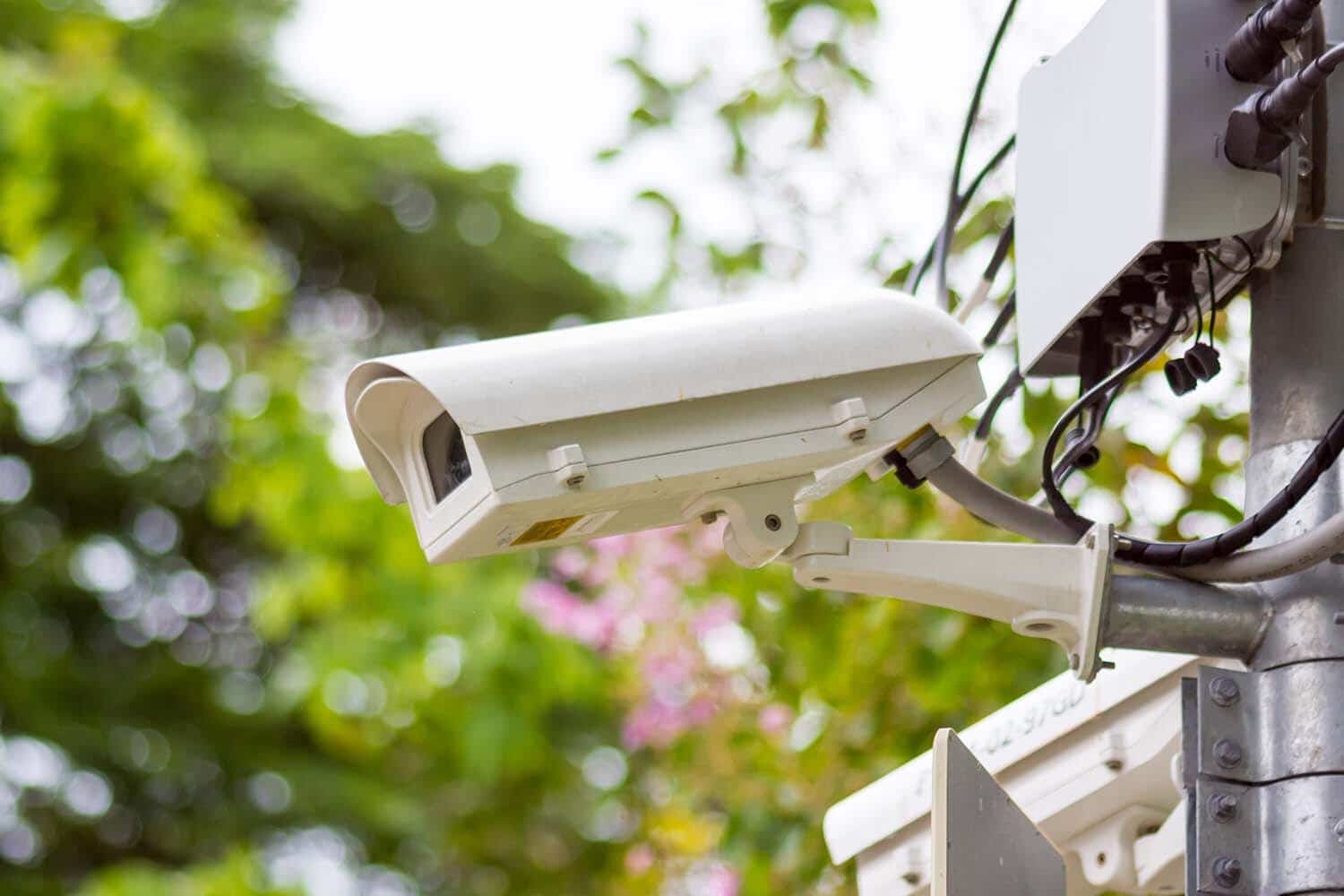
Outdoor cameras and mobile security systems take a beating. Heat, cold, humidity, and direct sun exposure all inevitably degrade hardware over time – this isn’t a failing so much as it is the nature of entropy – and, unlike a connectivity issue, environmental wear happens gradually, making it easy to miss.
Condensation inside the housing is one of the more damaging problems, since it fogs the lens, corrodes internal components, and is often a sign that the camera’s weatherproof seal has failed. Extreme temperature swings can also cause image sensors to underperform, particularly in overnight winter conditions.
Check your cameras’ IP ratings during installation. A rating of IP66 or higher is the minimum worth considering for any exposed outdoor security system.
IP Camera Problem #5: Storage and Footage Gaps
Storage failures are particularly insidious because everything appears to be working right up until the moment you need footage and it doesn’t exist. Local storage fills faster than most people expect, especially on high-resolution systems. Without automatic overwriting configured correctly, a full drive may simply stop recording.
Check your retention settings regularly. Know how far back your footage actually goes, rather than how far back you assume it goes. Better yet, consider cloud storage for your footage instead, so you’re not limited by the space on a physical hard drive.
A Good Security Camera Company Tracks Camera Health Automatically
Every problem in this guide shares a common thread: most go undetected until it’s too late. A camera goes offline at midnight, but nobody notices until Monday morning; footage has been corrupted for weeks if not months, but you don’t find out until you actually need it.
A good remote video monitoring provider, like Pro-Vigil, tracks the health of your entire camera network continuously, flagging connectivity drops, degraded feeds, and hardware issues the moment they occur.
You don’t have to go looking for problems. We find them first.
Want to get started with the security system experts? Talk to us today.
FAQs: IP Camera Problems