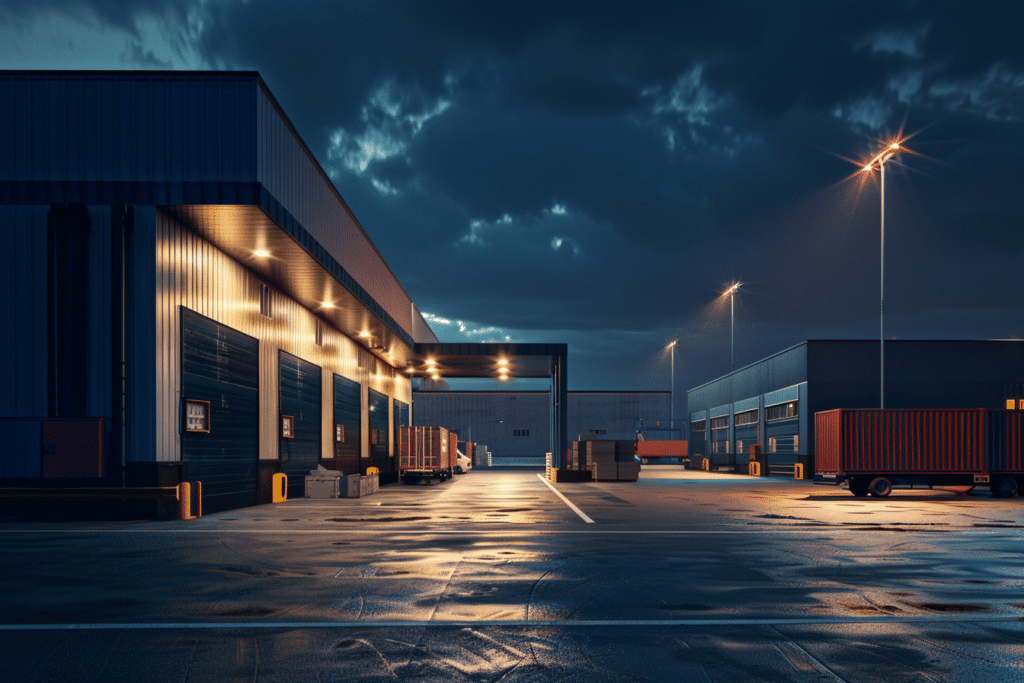
Imagine standing outside in the middle of the night with no lights – you probably can’t see much of anything! Now imagine standing outside your facility or worksite with a would-be criminal trying to jump the perimeter fence a few feet away. You can’t see the suspicious activity taking place. And neither can a surveillance camera.
Video surveillance cameras are only as good as what they can see. Without proper lighting, cameras cannot pick up on the very details that help Pro-Vigil’s system detect and deter crime in seconds. You can deploy the latest and greatest cameras available today, but if you don’t have sufficient lighting, they do you no good. If lighting is impossible, then a thermal imaging camera is the best option. But organizations that think they are monitoring for security but don’t have appropriate lighting for their cameras are left exposed.
Every camera has an effective range which is dependent on light. At its core, Pro-Vigil’s solution works by collecting data through a camera lens and using artificial intelligence (AI) to examine that information and determine if it’s a sign of something that needs further attention (like someone crossing a parking lot after hours).
Without the right lighting, the footage or “data” cameras capture could be grainy and hard to make out. If the system can’t collect enough data, it can’t do its job and help stop crime in its tracks.
Illumination Checklist
That’s why it’s crucial to make sure facilities are properly lit at all times. Unsure if your security lighting is sufficient? Pro-Vigil’s experts have identified four elements to help determine if your sites are properly lit or not, including:
- Check your cameras at night – Checking your cameras at night will help to quickly determine which views are too dark. If you can’t see what’s going on, neither can the camera.
- Check for blind spots – Your cameras are no good if blind spots exist. Conducting a proper assessment and the creation of a site plan will help find those blind spots so they can be addressed.
- Verify the effective range of your cameras – How much light will ultimately determine how far your camera can see.
- Keep your equipment in prime condition – It’s no secret that lightbulbs burn out! It’s important to replace dead bulbs immediately and utilize energy efficient lighting when possible. This is also a good reminder to clean those camera lenses while you’re at it.
Now it’s your turn. Download the Illumination Checklist and make sure you are well lit.
When In Doubt – Reach Out!
If there’s any doubt as to the effectiveness of your lighting capabilities, consult the experts at Pro-Vigil. The best way to boost your security solution’s capabilities is to frequently check and tweak all aspects of your strategy. Lighting plays a key role.
Be sure to update your account manager any time you discover new dark spots, daylight hours change, or you’d like a second opinion. A great way to stay on top of this is to set up a monthly review to walk your site and see first-hand what changes need to be made.