Quick Answer:
Most businesses need multiple security cameras for complete protection, but the right number depends on your property’s layout, entrances, high-value assets, and security risks. As a general guideline, small businesses often need 4-8 cameras, while warehouses may require 12-25 cameras. Consider these recommendations:
- Start with 4 cameras: For many small businesses, a 4-camera security system provides a solid starting point for covering key entrances and critical areas.
- Cover high-risk locations: Focus on entrances, exits, parking lots, loading docks, restricted areas, and blind spots.
- Plan before you install: A professional security assessment helps determine the right camera count and placement, so you can maximize coverage without overspending.
Modern camera security systems combine high-definition video, AI-powered analytics, and remote monitoring to help businesses protect their property more effectively.
Want to learn more? Read on!
One common question security companies get is, “How many security cameras do I need?” There are two answers to this question, a short answer and a longer one, which is related to how to place security cameras. The short answer to how many cameras your business will need is this: A business will always need multiple cameras for complete safety. However, the true number depends on the size of the property you’re trying to protect, your budget, and a host of other factors.
Smaller businesses can make do with fewer cameras; larger ones need many more.
How Many Security Cameras Do I Need?
It might be tempting to take a “place it and go” approach to security cameras. However, figuring out how many cameras you need as you go isn’t the best approach.
If you’re asking yourself how many security cameras you need, you should first look at your property as a whole. Why would you add cameras to only one part of your business and leave another exposed?

It’s true that budgetary restrictions may limit your initial approach. However, failing to design an adequate security network leaves you almost as vulnerable as if you didn’t have one at all. In other words, making a plan for a full complement of security cameras can help determine the most critical spots, even if you can only afford the budget to install a handful now.
There isn’t an easy formula that dictates how many security cameras you’ll need per square foot. However, there are several considerations you should synthesize into a camera security strategy. Let’s go over a few.
Estimated Security Camera Count by Business Type
Business Type | Recommended Camera Count | Typical Coverage Areas |
Retail Store | 4-8 | Entrances, checkout counters, sales floor, stockroom, rear exit |
Office | 6-12 | Main entrances, reception, hallways, work areas, server room, parking lot |
Warehouse | 12-25 | Loading docks, storage aisles, entrances, perimeter, parking areas, inventory zones |
Restaurant | 6-10 | Entrances, dining area, kitchen, cash register, storage room, back door |
Parking Lot | 4-12 | Vehicle entrances/exits, parking rows, pedestrian walkways, payment kiosks |
Note: The camera counts mentioned serve as a general starting point for planning your security system. The ideal number of cameras depends on your property’s size, layout, blind spots, security risks, and monitoring requirements. A professional security assessment can help determine the optimal camera count and placement.
Recommended Security Camera Count by Property Size
Property Size | Recommended Camera Count | Typical Coverage |
Under 2,000 sq. ft. | 4-6 | Entrances, exits, sales/work area, cash register or reception |
2,000-5,000 sq. ft. | 6-12 | Multiple entrances, work areas, storage rooms, parking area |
5,000-10,000 sq. ft. | 10-18 | Interior zones, loading docks, perimeter, parking lot |
10,000-20,000 sq. ft. | 15-30 | Multiple buildings or departments, restricted areas, perimeter |
Over 20,000 sq. ft. | 25+ | Large facilities with multiple access points, parking areas, and perimeter coverage |
Note: These recommendations serve as a baseline for planning your security system. The optimal camera count depends on factors such as your property’s layout, access points, high-risk areas, and security objectives.
For many small businesses, a 4-camera security system provides a practical starting point, offering coverage for key areas such as the main entrance, rear entrance, sales or work area, and cash handling or reception area.
Security Strategy Checklist: How Many Cameras Do You Need? It Depends!
- What is your goal? This will dictate not only the number of cameras you need, but also the type. Consider:
- Are you trying to ward off intruders or catch them in the act?
- Do you only need the cameras after hours, during business, or both?
- Would you like the system to sound an alarm when a perimeter is breached? Should you have night vision?
- How do you want to be notified of a problem?
- Is your goal just to monitor your property, or do more?
- What is the property layout? Think about the different locations you want to cover to keep your investments safe. This will dictate how to place security cameras. Consider:
- Do you have a large expanse of parking lot?
- Are there hidden, dark nooks and crannies for intruders to hide in?
- How large is your property?
- How many stories are the buildings?
- Do you want the cameras to record customers or employees?
- What are the most mission-critical parts of the business?
- Where are the most valuable assets on the property?
- Are there restricted parts of the business?
These areas may necessitate more cameras, or a different type of camera feature suited for the asset.
- Where are you vulnerable?
- Do you have glass windows and doors that can be jimmied or broken into?
- Do you have equipment vulnerable to theft on the property?
Think from a criminal’s perspective. Don’t just ask yourself, “how many cameras do I need,” ask yourself “what vulnerabilities does my business have that a criminal could take advantage of?”
- What else do you need? Talk with your security professional to design the overall architecture of your surveillance system with the right features. This can include wide-angle lenses for large expanses. Live remote surveillance services can watch your cameras 24/7. Audio and video deterrents can scare off criminals with sound and lights. You even have the choice between wired and wireless camera systems, depending on your situation.
All these decisions are dictated by the budget, of course. However, we recommend starting by assessing the ideal configuration for the business, and proceeding accordingly. The budget may dictate cutting back on the number of cameras or the features needed. Camera placement can also be tweaked or changed slightly according to your security professional’s recommendation.
This next section will look more closely at the most common areas for placing business security cameras.
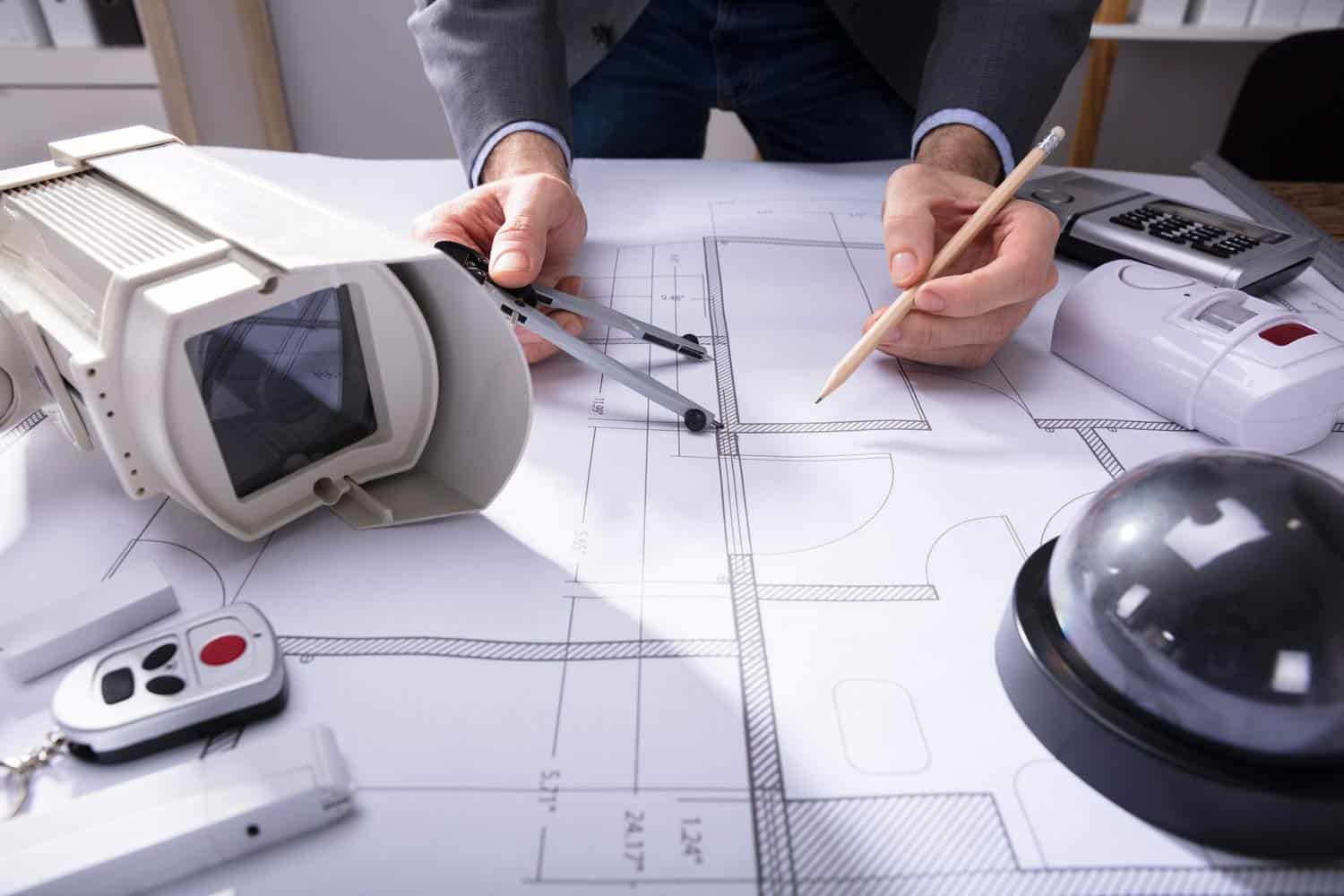
The best security cameras offer more than clear video, incorporating AI-powered detection, real-time alerts, and remote monitoring to strengthen business security.
How AI-Powered Surveillance Improves Business Security
Modern commercial security cameras offer much more than basic video recording. With AI-powered surveillance, businesses can detect suspicious activity, reduce unnecessary alerts, and receive real-time notifications for faster incident response.
Today’s camera security systems integrate AI features such as object detection, license plate recognition, and virtual guarding to provide more proactive security.
Key AI Surveillance Features
- AI Object Detection: Distinguishes between people, vehicles, and other objects to reduce false alarms caused by weather, animals, or moving vegetation.
- License Plate Recognition (LPR): Automatically captures and records license plate numbers to monitor vehicle access, investigate incidents, and manage parking areas.
- People Counting: Tracks customer or employee foot traffic to improve staffing, occupancy management, and business insights.
- Virtual Guarding: Combines AI analytics with live remote monitoring to detect suspicious activity and trigger real-time audio or visual warnings before crimes occur.
- Perimeter Intrusion Detection: Detects unauthorized access to restricted areas or property boundaries and immediately alerts security personnel.
- Real-Time Alerts: Sends instant notifications when predefined events occur, allowing businesses to respond quickly to potential threats.
How Many Cameras Do You Need?

At the start of this blog, we gave you the short answer to the question, “How many cameras do I need?” A business always needs multiple cameras. However, as we’ve elaborated in the rest of the piece, that number is heavily dependent on you, your business, your needs, and your property. So, you should consult the experts to learn how many cameras you actually need to protect your business.
At Pro-Vigil, we know we must walk a line between protecting your business and going beyond your budget. Our security assessment and analysis process work closely to individualize your security footprint. Ultimately, we want each camera to multi-task by offering more than one simultaneous return on your investment.
Today, there are myriad ways to use security cameras to keep your business safe. Pro-Vigil is the nation’s leading expert in protecting your property with proactive remote video monitoring. Talk with our team today for a safer business tomorrow.
Frequently Asked Questions