Quick Answer & Key Takeaways
The best jobsite security cameras pair cellular or Wi-Fi connectivity with solar or battery power and AI-powered remote monitoring, so a site stays covered even before permanent power or internet lines are run. For most active construction sites, that means an LTE or AI remote-monitoring camera rather than a standard Wi-Fi unit.
- Cellular (LTE) cameras are the standard choice for remote or temporary sites without a wired internet connection.
- Solar power keeps a camera running indefinitely on sites without electrical service; battery-only units need a swap or recharge every few weeks to months.
- Higher-resolution cameras meaningfully improve license plate and face identification at distance compared to standard-definition units.
- The right number and placement of cameras depends on site size; a small site may only need two cameras, while a large multi-zone site may need six or more.
- Professionally monitored cameras that verify activity in real time catch problems while they’re happening, not just on review the next morning.
Security is critical to any job site. Jobsite security cameras are crucial for safeguarding valuable assets and preventing theft. They also ensure worker safety. As technology advances, jobsite security cameras have become more sophisticated. This article will explore the key features and benefits of jobsite security cameras – and why the best jobsite security camera for most active construction sites is probably a cellular or AI-monitored unit that runs on solar or battery power, with no wired electricity or internet required. What makes these tools so valuable on the job?
Which Jobsite Camera Type Fits Your Site?
Whether you’re comparing a single cellular jobsite camera unit or a full wireless jobsite camera system, here’s a quick look at which camera type fits which situation.
|
Camera Type |
Best For |
Internet |
Power |
|
Cellular (LTE) Camera |
Remote or temporary sites |
Cellular |
Solar or battery |
|
Wi-Fi Camera |
Small sites with existing Wi-Fi |
Wi-Fi |
Electric |
|
Wired (CCTV) |
Permanent site |
Wired |
Electric |
Notably, AI-powered camera monitoring can work with any of these, as long as they can connect to the internet – so classic CCTV camera setups will still need an on-site security presence.
For large or multi-zone projects, AI support is most commonly paired with a cellular, solar-powered setup so a large area can be watched and verified in real time without running power or internet lines across the whole site.
Key Considerations for Jobsite Security Cameras
When considering security cameras for a jobsite, employers have many options. Carefully weigh the following six considerations when selecting security cameras for your job site:
1. Durability and Weather Resistance
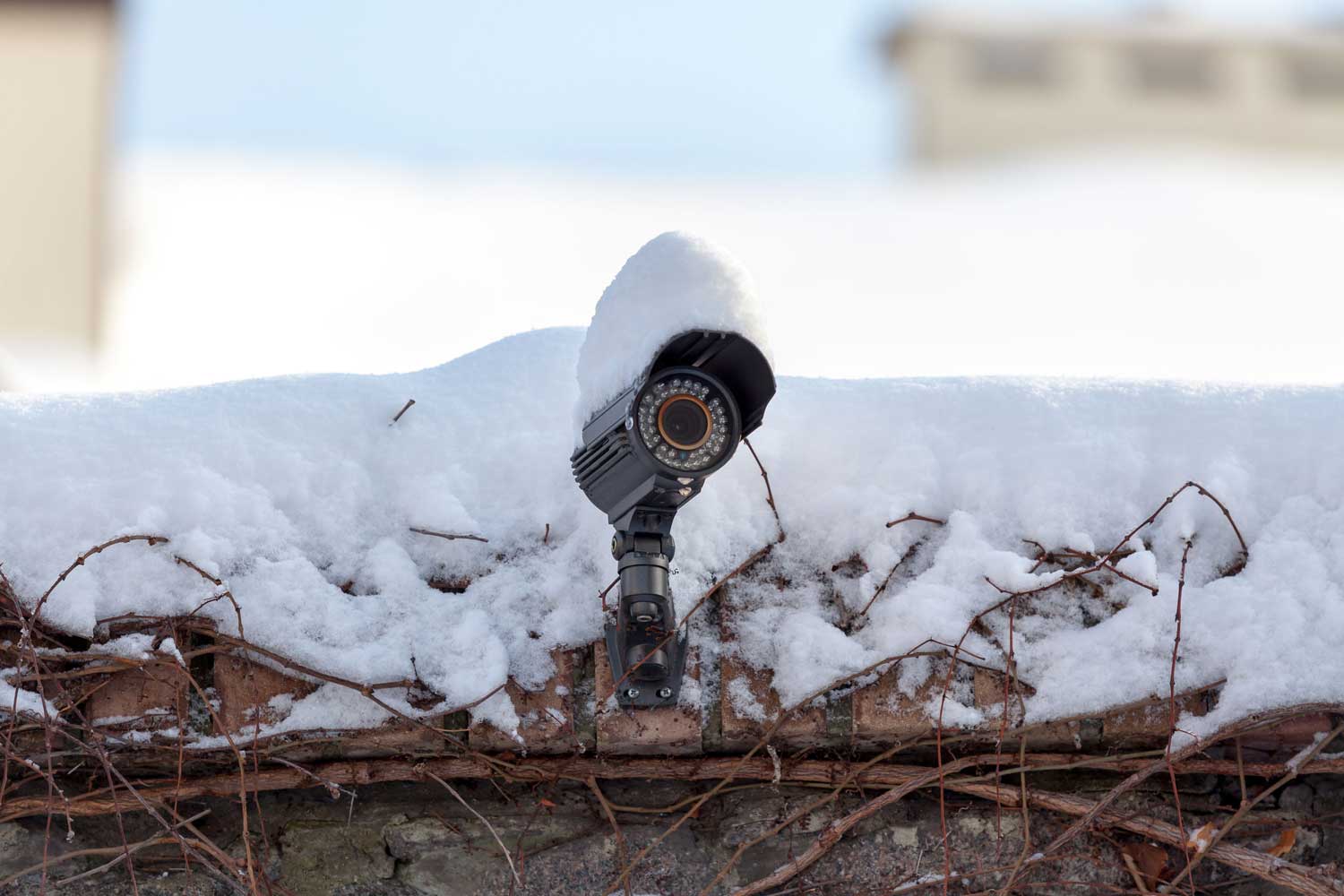
Jobsites are notorious for their challenging environmental conditions. A jobsite security camera must withstand nature. Look for cameras with a high Ingress Protection (IP) rating. A high IP indicates resistance to dust and water. The ideal jobsite security camera can still function in harsh weather conditions.
2. Power Source and Energy Efficiency
Jobsites often lack an available power source. Job site surveillance cameras must have flexible power options. Some of these cameras operate on batteries. Others can function with solar panels or traditional electrical sources. Energy-efficient cameras are ideal. These job site security cameras can operate for extended periods without battery changes.
3. Remote Monitoring and Alerts
Remotely monitoring jobsite activities is crucial for effective security. Look for jobsite security cameras that offer mobile app integration. This feature allows access to live feeds and real-time alerts on their smartphones. Advanced cameras include motion detection. The camera can send notifications when it detects unusual activity.
4. High-Resolution Imaging and Night Vision
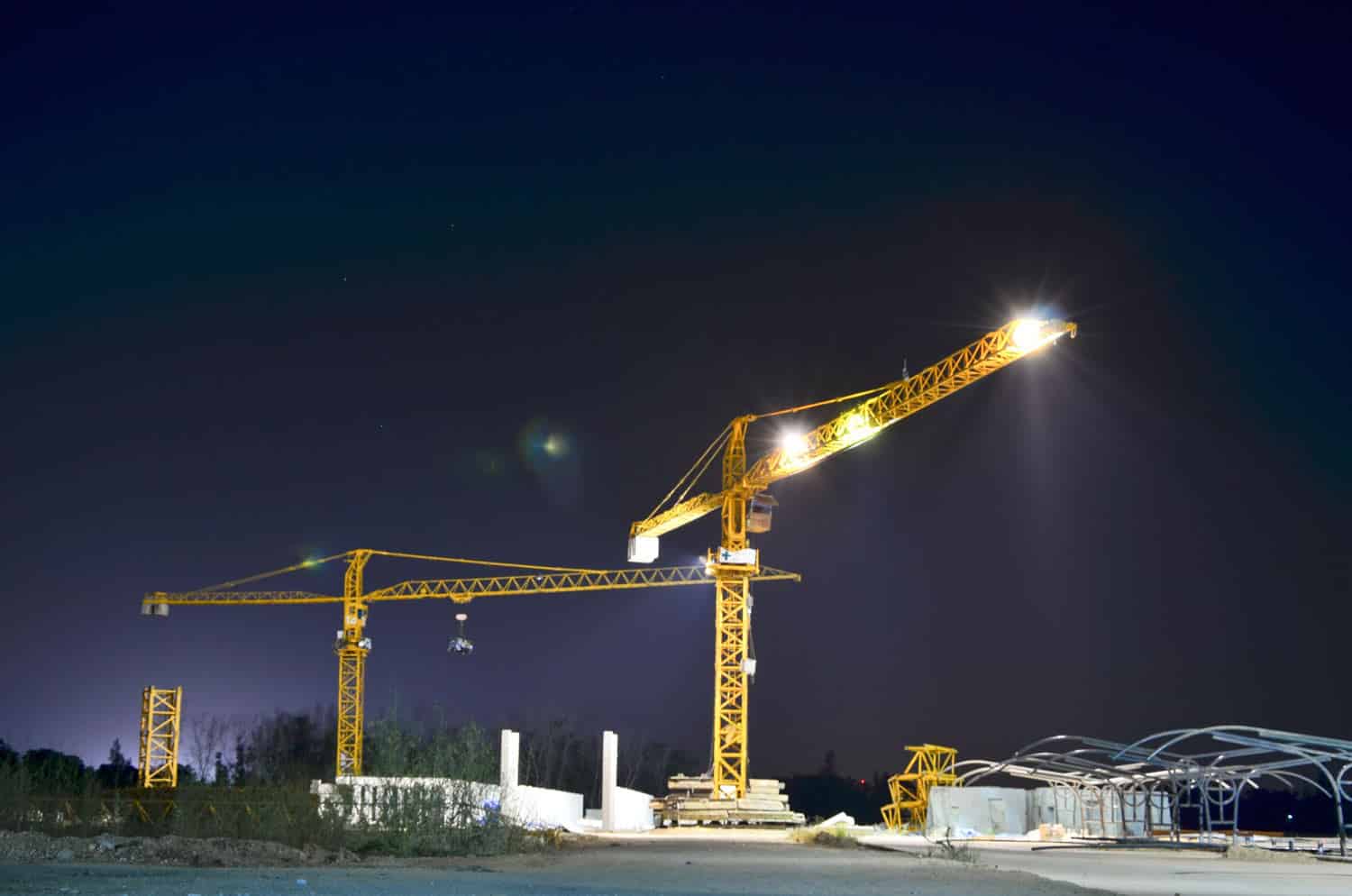
Clear, detailed footage helps identify individuals and incidents on a jobsite. Look for job site security cameras with high-resolution imaging capabilities. Additionally, night vision technology is vital for 24/7 surveillance. Infrared or low-light imaging sensors capture clear footage even in complete darkness.
5. Storage and Data Management
A job site security camera generates a substantial amount of data. Consider cameras with efficient data management systems, including cloud storage options. Cloud-based storage allows easy access to footage from anywhere. Cloud also provides a secure offsite backup in case of camera damage or theft.
6. Installation and Placement
Jobsite security cameras should be easy to install and versatile in placement. Look for cameras with adjustable mounts and a variety of installation options. Wireless cameras are often preferable for jobsites. They’re cost-effective, eliminating the need for extensive wiring. Wireless cameras reduce installation time and are easier to install.
“[Cameras] should focus on what they’re good at — capturing high-quality video in a well-lit environment. If a camera can’t see, it’s useless. All the AI and analytics capabilities in the world can’t compensate for an obscured picture.”
— Satish Raj, Chief Technology Officer at Pro-Vigil
Best Features for Jobsite Security Cameras
When selecting jobsite security cameras, you have options. The features you select must meet the challenges of the specific job site. Here are the top features to look for in jobsite security cameras.
Durability and Weather Resistance
- IP Rating: Look for jobsite security cameras with a high IP rating for resistance to harsh weather conditions.
- Rugged Design: Choose cameras with durable and robust construction. The right materials can withstand significant physical impact or environmental stressors.
Power Source and Energy Efficiency
- Flexible Power Options: Opt for cameras that offer various power sources. Options include batteries, solar panels, or traditional electrical connections.
- Energy Efficiency: Select cameras with energy-efficient features to extend battery life. This feature is especially important in locations with limited access to electricity.
Jobsite Camera Remote Monitoring and Alerts
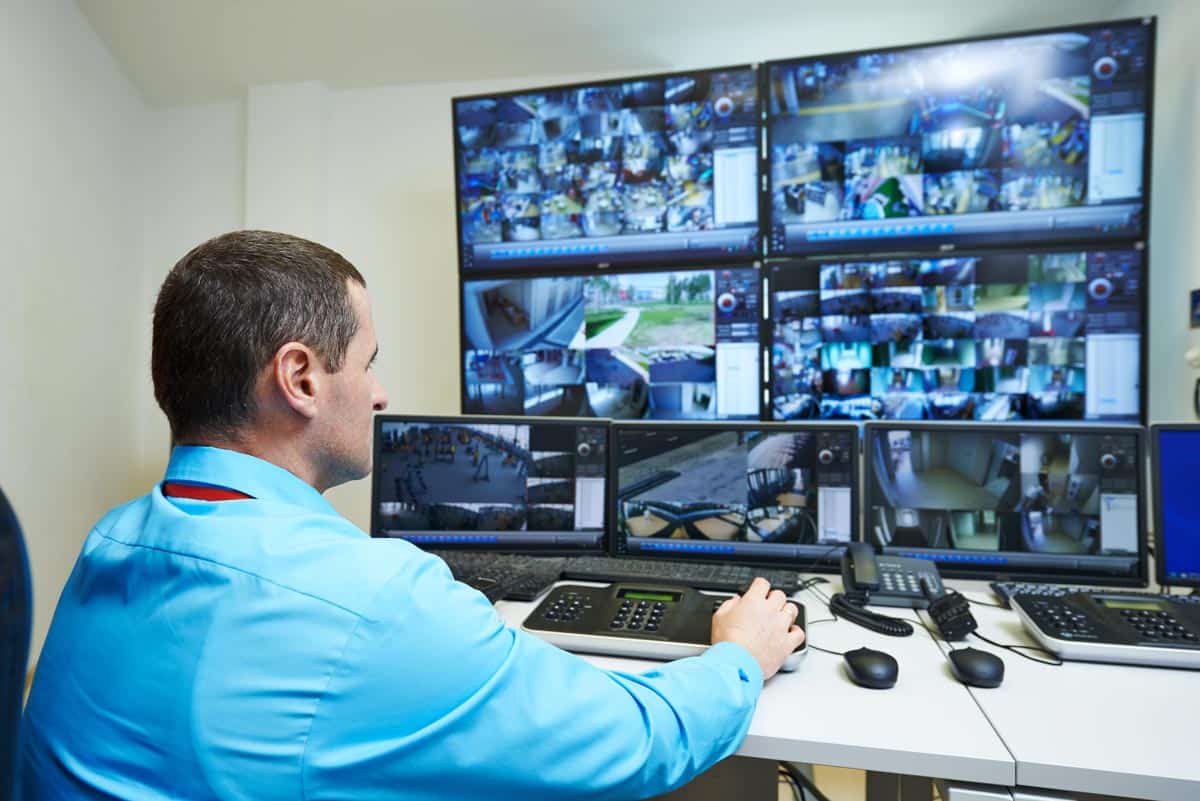
- Mobile App Integration: Look for a dedicated mobile app that lets you watch live camera footage from anywhere.
- Real-time Alerts: Look for jobsite security cameras with motion detection capabilities that send real-time alerts to mobile devices.
High-Resolution Imaging and Night Vision
- High Definition (HD) or 4K Resolution: Choose cameras with high-resolution imaging for clear and detailed footage. This feature allows easy identification of individuals and incident details.
- Night Vision: Does the camera have effective night vision technology? For example, infrared sensors capture clear footage in low-light or complete darkness.
Storage and Data Management
- Cloud Storage: Jobsite cameras with cloud storage options provide convenient access to footage from anywhere. Footage is securely backed up and stored safely in the cloud.
- Local Storage: Some cameras allow for local storage on SD cards or external drives. This feature offers an additional layer of storage redundancy.
Jobsite Camera Installation and Placement
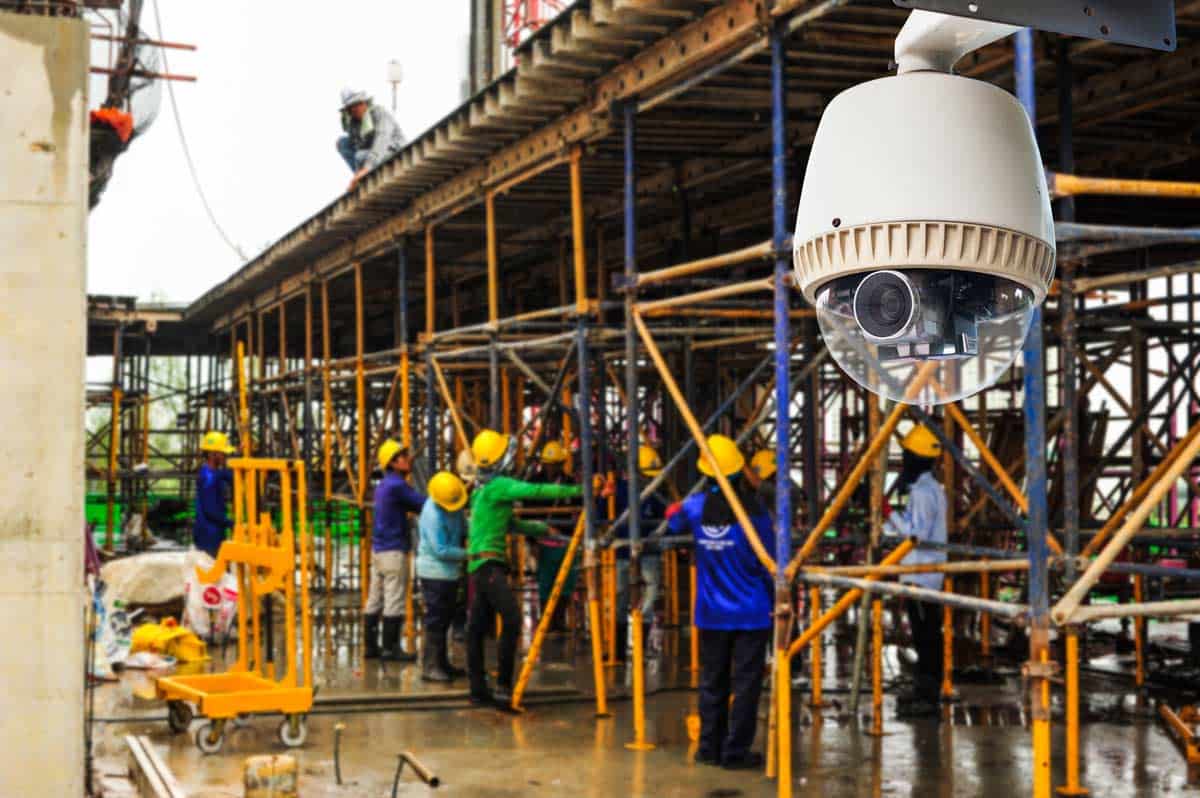
- Wireless Connectivity: Wireless jobsite cameras eliminate the need for extensive wiring. They offer flexible camera placement and simpler installation.
- Adjustable Mounts: Look for cameras with adjustable mounts and mounting options. It can facilitate easy installation in various locations around the job site.
Motion Tracking and PTZ (Pan-Tilt-Zoom)
- Motion Tracking: Cameras equipped with motion tracking technology follow and record movement.
- PTZ Functionality: Some job site cameras let you pan and tilt from a remote computer or smartphone.
Two-Way Audio
- Communication Capability: Cameras with two-way audio allow real-time communication. It’s an excellent communication tool for on-site personnel and remote viewers.
Integration with Other Security Systems
- Compatibility: Choose cameras that can integrate with other security systems. A video surveillance company can integrate access or alarm systems with your camera network. The idea is to create a comprehensive security infrastructure for your business.
Tamper Detection and Vandal Resistance
- Tamper Detection: Cameras with tamper detection trigger unauthorized interference or tampering alarms.
- Vandal Resistance: Some cameras discourage tampering, vandalism, or attempts to disable the unit.
Facial Recognition Technology
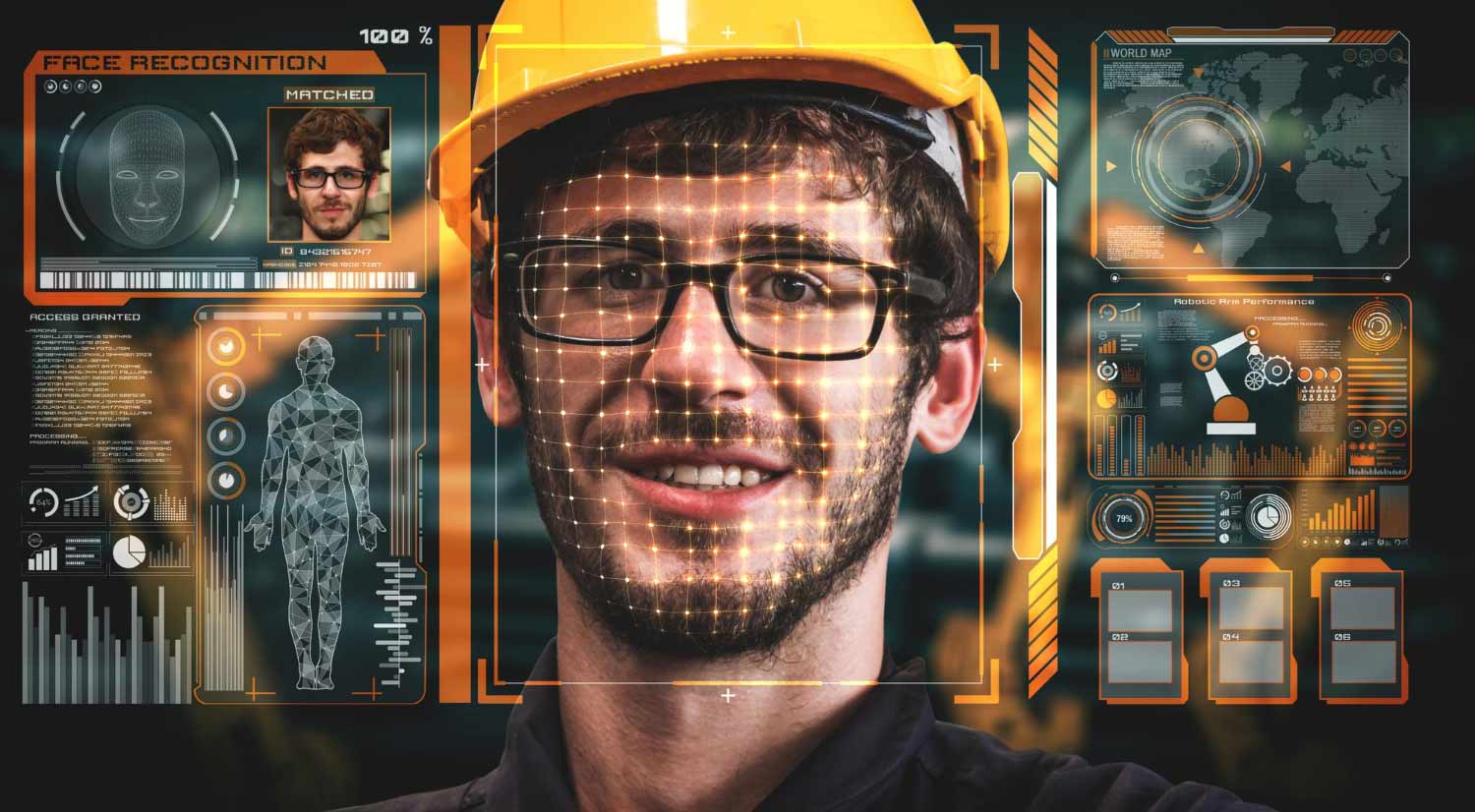
- Advanced Identification: Some cameras offer facial recognition capabilities. This feature allows the identification of recognized individuals, reducing false alarms.
Compliance with Industry Standards
- Certifications: Ensure that the cameras meet industry standards and regulations. It can ensure the reliability and effectiveness of your job site security cameras.
Jobsite Camera Placement Guide
Camera count and placement should scale with site size.
- Small sites (under 2 acres): Two cameras are the minimum starting point; point one at the main entry point, and one on the highest-value storage or equipment area.
- Medium sites: Place cameras at two opposing corners for overlapping perimeter coverage, plus one at the gate and one on the equipment yard.
- Large or multi-zone sites: Add perimeter cameras at each corner, cover every vehicle and pedestrian gate separately, and use at least one PTZ camera on the open central yard where a fixed lens can’t cover everything.